
Highest-Volume Modular Inserter
Mail & Shipping / Envelope Inserters / 7700 Series
The top of the line. The 7700 Series runs 7,000 an hour and handles flats and thick sets.
When mail is full production, the 7700 runs up to 7,000 envelopes an hour with up to 11 feeders and a 22-inch touchscreen, and it inserts flats and sets up to 80 sheets thick that stop lighter inserters cold.
The right fit depends on your actual mail: your page counts, inserts, reply envelopes, monthly volume, and deadlines. Walk through those with us first, and you buy the configuration that matches your work, not the biggest machine on the floor.
Up to 7,000
envelopes/hour
Up to 300,000
envelopes/month
Folds up to
8 sheets
up to 11
feed stations
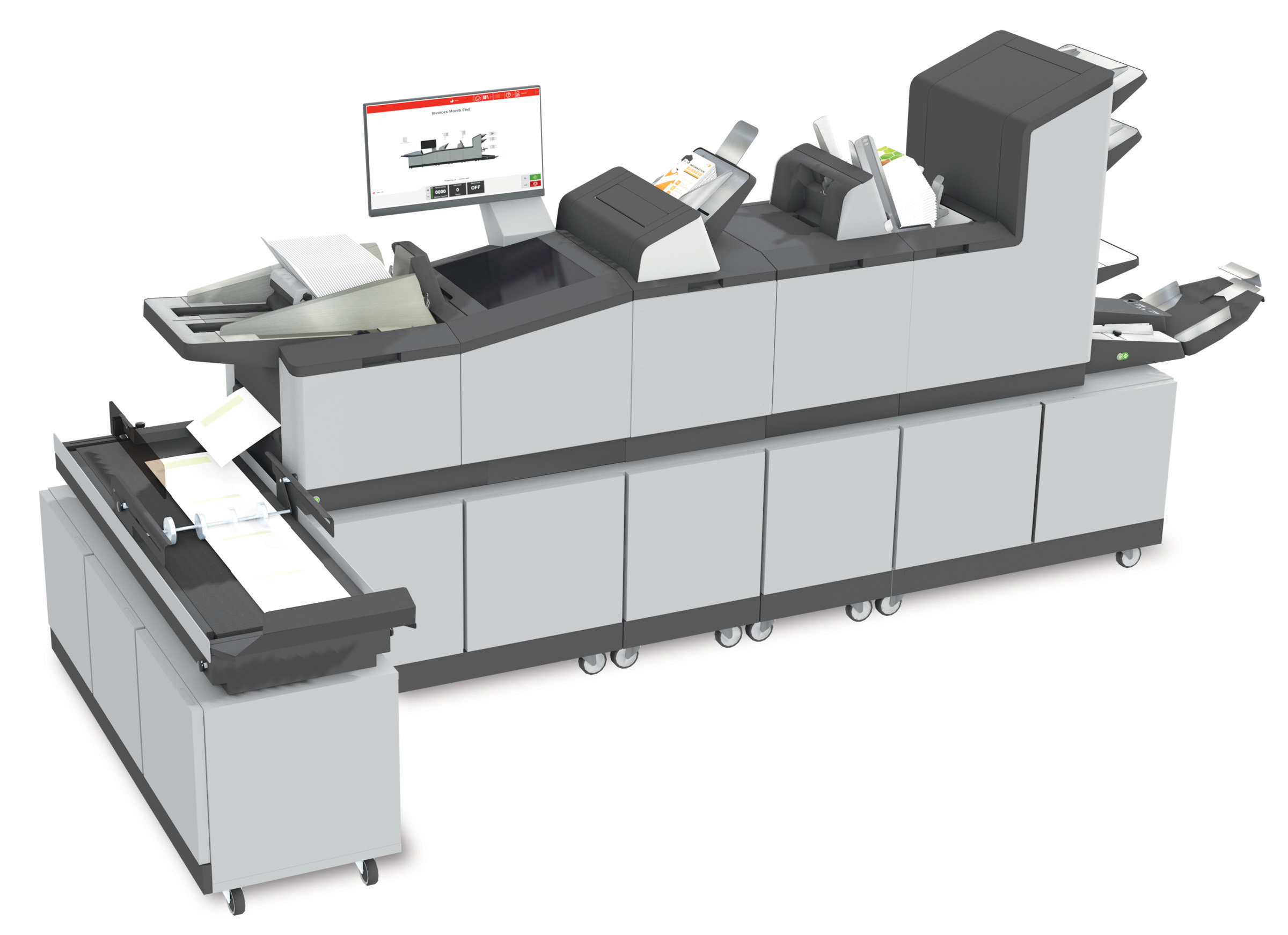
7700 Series production inserter
Up to 11 feeders, 22-inch touchscreen, 4-foot conveyor.
Is the 7700 the right level?
Match the inserter to your mail, not your mail to your inserter.
Outgrown a Small Inserter
Step up when an office folder inserter can no longer keep pace with your mail volume.
Mid-Volume Mail Runs
Built for recurring invoices, statements, notices, and renewals into the tens of thousands per month.
Modular Feeders
up to 11 feed stations, high-capacity document feeder, and production feeders scale to the job.
Variable-Page Ready
Optional CIS scanning and MailDoc can add control for variable-page mail before inserting.
7700 Series at a Glance
A stronger fit when a small office inserter is no longer keeping up with your volume.
The 7700 Series is a mid-volume folder inserter for mailrooms that need more feeders, more folding capacity, and higher throughput than an entry-level machine, without moving all the way into full production equipment.
up to 11 station modular flexibility
The 7700 can be configured with up to 11 fully automatic feed stations, plus a high-capacity document feeder and production feeders, so the machine can be matched to the pages, inserts, and reply envelopes your mail requires.
AutoSet and programmable jobs
Load envelopes and documents and AutoSet adjusts the settings automatically. Up to 50 frequently used jobs can be stored and recalled instantly for repeat mailings.
Powerful folding capacity
The 7700 folds up to 8 sheets in half fold or up to 8 sheets in tri-fold at one time, and can fold and insert top, middle, and bottom-address documents into top-flap envelopes.
Touchscreen operation
A 22" full-color touchscreen with graphical interface and paper and envelope presence sensors helps operators set up, run, and monitor mid-volume jobs with less guesswork.
High-capacity vertical output stacker
The high-capacity vertical stacker holds up to 500 filled envelopes in reverse stacking order, keeping finished mail organized and in sequence during longer runs.
Product Views
Four parts decide whether an inserter earns its place
How it’s fed, how it handles inserts, how fast one person can run it, and how the finished mail comes off. Get all four right and the machine pays for itself in saved hours. Here is how the 7700 handles each.
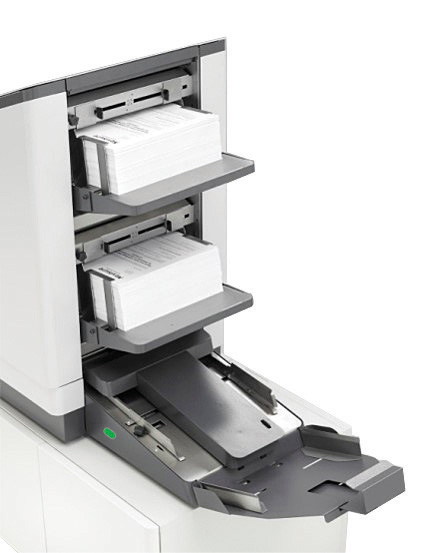
High-Capacity Document Feeding
Load it and step away. The high-capacity feeder swallows long runs of invoices, statements, and notices, so your operator isn’t topping off paper every few minutes instead of doing real work.
Specs to know
- Feeders: up to 325 sheets each (20 lb.)
- Hi-cap feeder: up to 725 sheets
- Paper: 3.5–14" L × 5.1–9" W
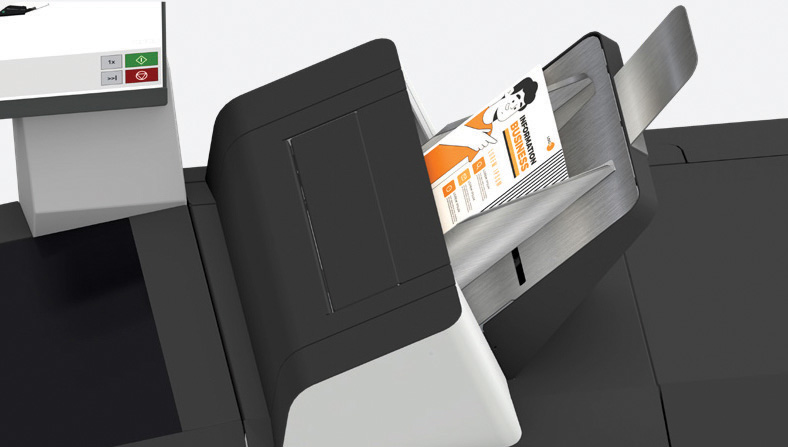
Production Feeder
Reply envelope, coupon, return form, cross-sell flyer, the production feeder drops inserts in automatically, so “one more thing in the envelope” never sends the job back to hand-stuffing.
Specs to know
- 1 or 2 production feeders
- Up to 1,200 sheets or 325 BREs each
- Short-feed trays for small inserts
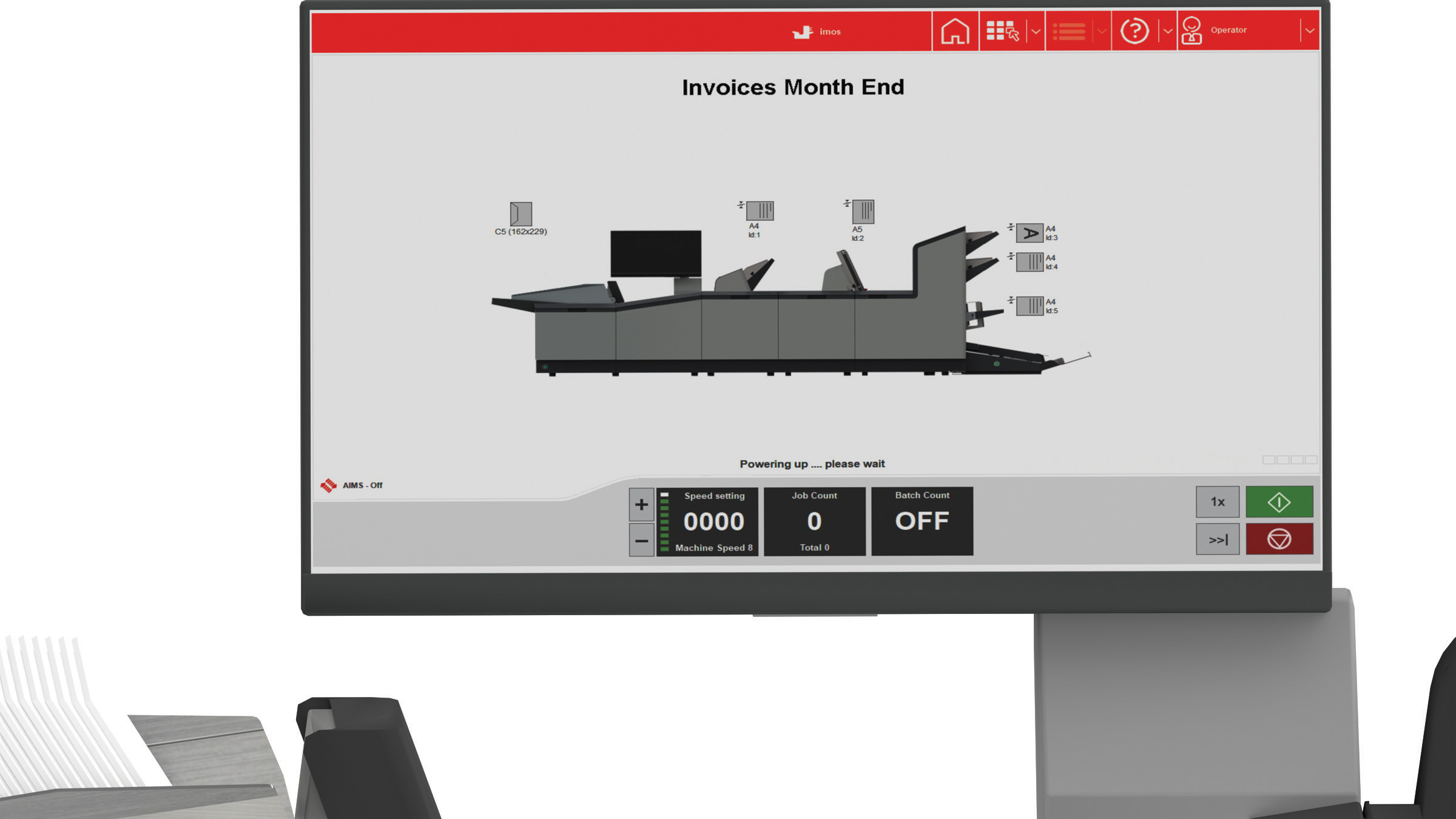
Touchscreen Job Control
Set it once, run it forever. AutoSet reads the job and dials in the settings for you; save it, and next month’s run is one tap away, no re-measuring, no guesswork, no specialist required.
Specs to know
- 22" full-color touchscreen
- AutoSet one-touch setup
- Stores up to 50 jobs
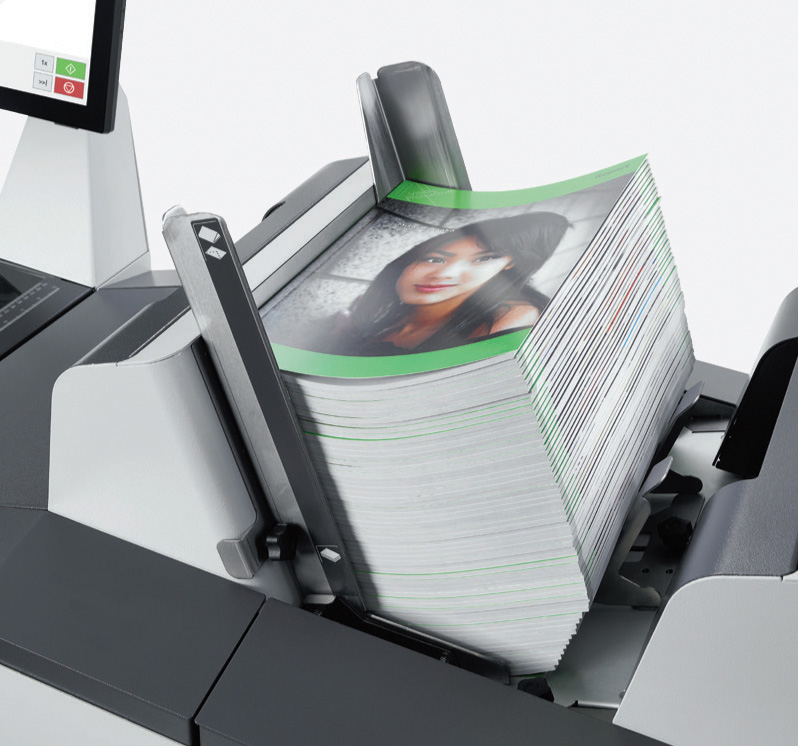
High-Capacity Vertical Stacker
Finished mail comes off neat, sequenced, and ready for the postage meter, up to 500 envelopes deep, so a big run doesn’t end with your team re-sorting a pile by hand.
Specs to know
- Up to 500 filled envelopes
- Reverse stacking keeps print order
- Hopper: up to 800 envelopes
Specifications shift with configuration, media, envelopes, inserts, and options. Send us your actual mail pieces and we’ll confirm the right setup before you spend a dollar.
Best Fit
The 7700 Series is often the next step when an office inserter can no longer keep up.
At this level, most mailrooms already run a machine. The problem is usually volume, capacity, or reliability: the current inserter is too small, too slow, or falling behind as recurring mail grows.
The goal is not just a bigger machine. The goal is a dependable mid-volume mail process built around your real documents, envelopes, inserts, staff time, and service needs.
Outgrowing a Small Inserter
If an entry-level or office folder inserter is maxed out on volume, feeders, or folding capacity, the 7700 adds the room mid-volume mail needs.
Growing Monthly Volume
As recurring runs climb into the tens of thousands per month, higher speed and larger feeder and stacker capacity keep the job from taking over the day.
More Pages and Inserts
When mail sets include multiple sheets, reply envelopes, coupons, or customer-specific inserts, the 7700's modular feeders and folding capacity help keep those jobs automatic.
Service Problems Cost Time
When mailing is tied to billing, statements, renewals, or compliance deadlines, unreliable equipment and poor support become a business problem, not just an inconvenience.
Not Ready for Full Production
The 7700 sits between office inserters and large production systems, so you get mid-volume capacity without buying more machine than your mail requires today.
Variable-Page Statements
When different recipients get different page counts, optional CIS scanning and MailDoc can add marks and control so multi-page sets insert correctly.
Not sure which situation fits you?
Tell us about your current process, the machine headaches, the service you’re getting, your monthly volume, page counts, inserts, and where you’re headed. We’ll tell you honestly whether the 7700 or another path fits.
Specifications
7700 Series Specifications
This is the cleaner specification view: machine limits, standard features, and optional upgrades are grouped together so you can see what is included and what should be reviewed before quoting.
Core machine specs
Published specs- Speed
- Up to 7,000 pieces/hour, #10 envelopes
- Monthly duty cycle
- Up to 300,000 pieces/month
- Feed stations
- Up to 11 feeders in 5 tower configurations
- Document feeder capacity
- Up to 2,000 sheets
- Envelope feeder
- Up to 800 #10 envelopes, or 500 10" x 13" flats
- Output conveyor
- High-capacity 4-foot outfeed conveyor
- Document size
- Up to 16" L x 8.5" W (portrait, folding)
- Envelope size
- 3.9"-10" H x 8.9"-13" W (#10 to 10" x 13" flats)
- Max set/insert thickness
- Up to 80 sheets, up to 3/8" (10mm)
- Code reading
- OMR, BCR, 2D Data Matrix, QR, reverse-side barcodes
- Power
- 110 V, 60 Hz, 10 A
- Safety certifications
- UL, CE, FCC certified
Configuration notes
Fit review- Available configurations
- up to 11 fully automatic feed stations
- Best use range
- Mid-volume mailroom inserting with recurring jobs
- Fold capacity
- Up to 8 sheets half fold; up to 8 sheets tri-fold
- Address handling
- Top, middle, and bottom-address into top-flap envelopes (bottom-address in Half/Z-fold, up to 5 sheets)
- Fold types
- C, Half, Z, double parallel, and no-fold jobs
- Multi-feeding & cascade
- Multi-feed from one feeder; cascade linking for continuous runs
- Document integrity
- Electromechanical double document detection at each feeder and insertion area, plus a divert station
- Media testing
- Paper, envelopes, inserts, and folds should be tested before final configuration
Standard Features
Included features and what they mean
These are standard 7700 Series capabilities. The right configuration still depends on how many feeders, inserts, reply envelopes, and software tools your mail needs.
| Standard item | What it means for your workflow |
|---|---|
| 22" color touchscreen | Full-glass graphics-based control panel with icons for simple, intuitive setup and job operation. |
| AutoSet™ setup | Load envelopes and documents and the 7700 adjusts all settings automatically. |
| 50 programmable jobs | Stores frequently used jobs so recurring mailings can be recalled and run quickly. |
| Modular 2-6 stations | Configurations available with up to 11 fully automatic feed stations to match the mail piece. |
| Presence sensors | Paper and envelope sensors show on the control panel which feeders need to be refilled. |
| Top-loading hopper | Holds up to 800 envelopes and can be refilled on-the-fly without stopping the job. |
| High-capacity vertical stacker | Holds up to 500 finished envelopes with reverse stacking output, maintaining printing order. |
| Powerful folding | Folds up to 8 sheets (half fold) or up to 8 sheets (tri-fold) at once. |
| Insert capability | Folds and inserts top, middle, and bottom-address documents into top-flap envelopes. |
| Multi-feeding | Pulls a set number of pieces from one feeder, then collates and inserts automatically. |
| Cascade mode | Links feeders with the same document so the next feeder takes over when one empties. |
| Daily mail mode | Easily inserts stapled sets and small hand-fed jobs. |
| Double document detection | Electromechanical detectors at each feeder and the insertion area work with any print density, paper color, or thickness. |
| Divert station | Redirects double documents and incomplete sets automatically without stopping the run. |
| ECO mode | Switches into standby after one hour of inactivity to reduce idle energy use. |
Optional Upgrades
Optional equipment and software
These items are not automatically included. They should be reviewed when speed, inserts, scanning, document integrity, postal preparation, or software workflow matters.
| Optional item | What it adds |
|---|---|
| CIS Scanner | Reads OMR 1-track, OCR, 1D barcode, and 2D Data Matrix codes printed horizontally or vertically anywhere on the page, enabling automatic insertion of multi-page documents. |
| Production Feeders | 1 or 2 high-capacity feeders, each up to 1,200 sheets or 325 BREs, for added pages or inserts. |
| Short Feed Trays | Designed for small inserts and BREs. |
| Side Exit Tray | Holds up to 500 filled envelopes for layout flexibility. |
| OMR, BCR, and OCR | Optical Mark, Barcode, and Optical Character Recognition licenses for added document security. |
| Custom Cabinets | Enclosed cabinets on casters with a key lock for secure storage. |
| 402 Series Jogger | Squares and removes static from documents before processing, especially after printing. |
| MailDoc Professional | Optional software for variable-page invoices, statements, grouping, sequence control, overlays, selective feeding, and divert logic. |
| Postal Module | Optional MailDoc module that can support CASS, PAVE presort, and NCOA review before printing and inserting. |
Specs should match your real mail.
Sheet count, envelope size, inserts/BREs, paper weight, monthly volume, current issues, print stream, & software all affect the right configuration.
Configuration Review
Match the 7700 to the way your mail is built.
The 7700 is modular, with up to 11 feed stations, but you don’t need to know the station count. Send a sample of what you mail and we’ll match the feeders and options to your real pages, inserts, reply envelopes, and volume.
2 Stations • Core Mail
A practical mid-volume starting point for jobs built from one or two document feeders going into envelopes.
Straightforward recurring mail.
3-4 Stations • More Pages
Fits mail that combines several sheets, such as a statement plus notices, inserts, or supporting documents.
Added feeders for added pages.
5 Stations • Inserts/BREs
Built for envelopes that include reply envelopes, coupons, return forms, or extra customer communication.
Good when the envelope needs more.
6 Stations • Flexible Jobs
Fits changing jobs, varied inserts, high-capacity feeding, and scanning without moving to full production equipment.
Maximum modular flexibility.
Not sure which setup fits?
Send a sample of what you mail today. We can review sheet count, inserts/BREs, envelope size, fold type, monthly volume, current equipment issues, print stream, and software before recommending a configuration.
Review My MailCompare by Volume and Complexity
Will a different model work better for you?
Use this section as a quick guide, not a final answer. The right inserter depends on what you mail, how often you mail it, how many pages go into each envelope, whether you need inserts/BREs, and how much room your process needs to grow.
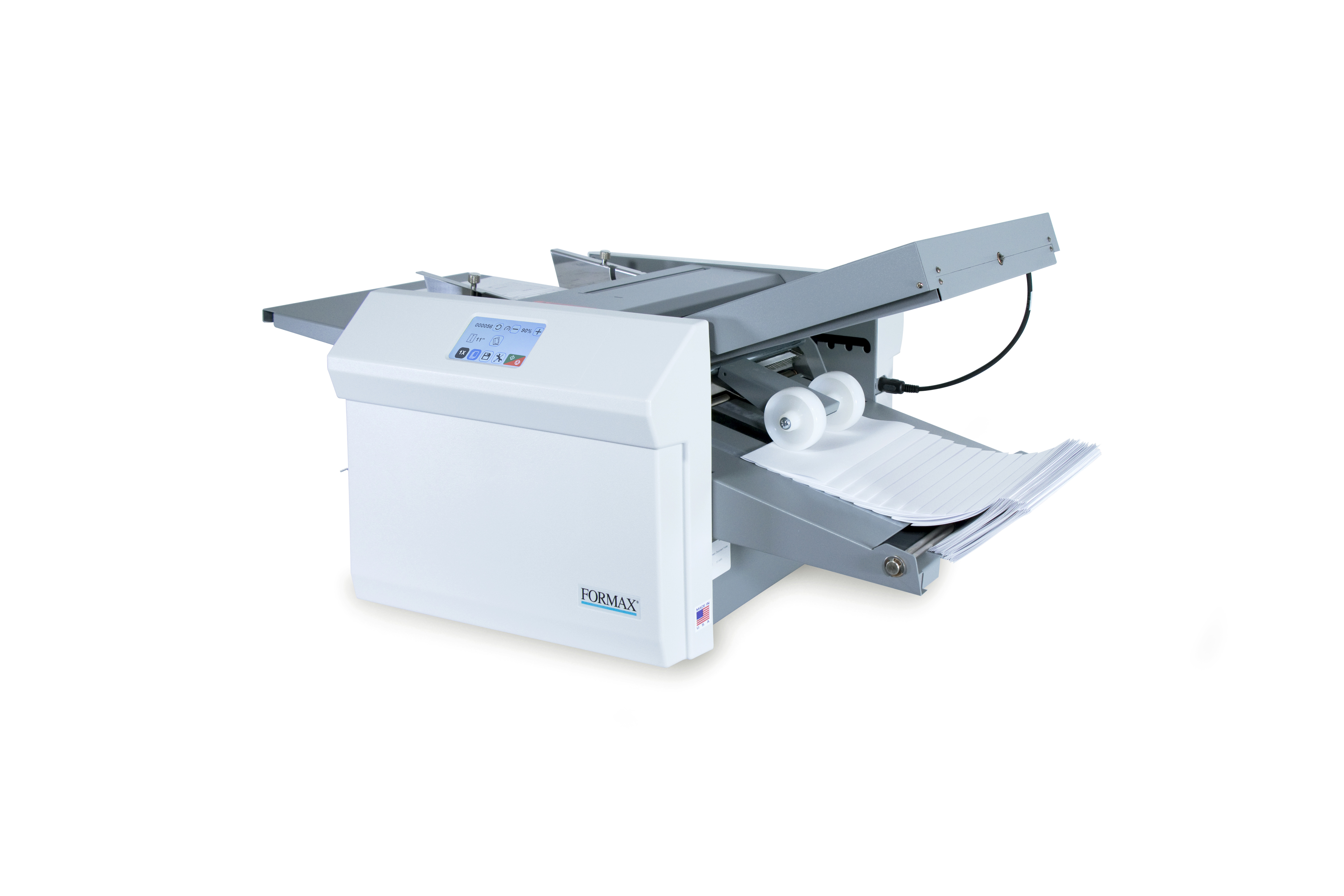
Other Paths
AlternativesBefore an inserter
If you only need folded documents, or if the document can become the mail piece itself, a folder or pressure sealer may be the better fit.
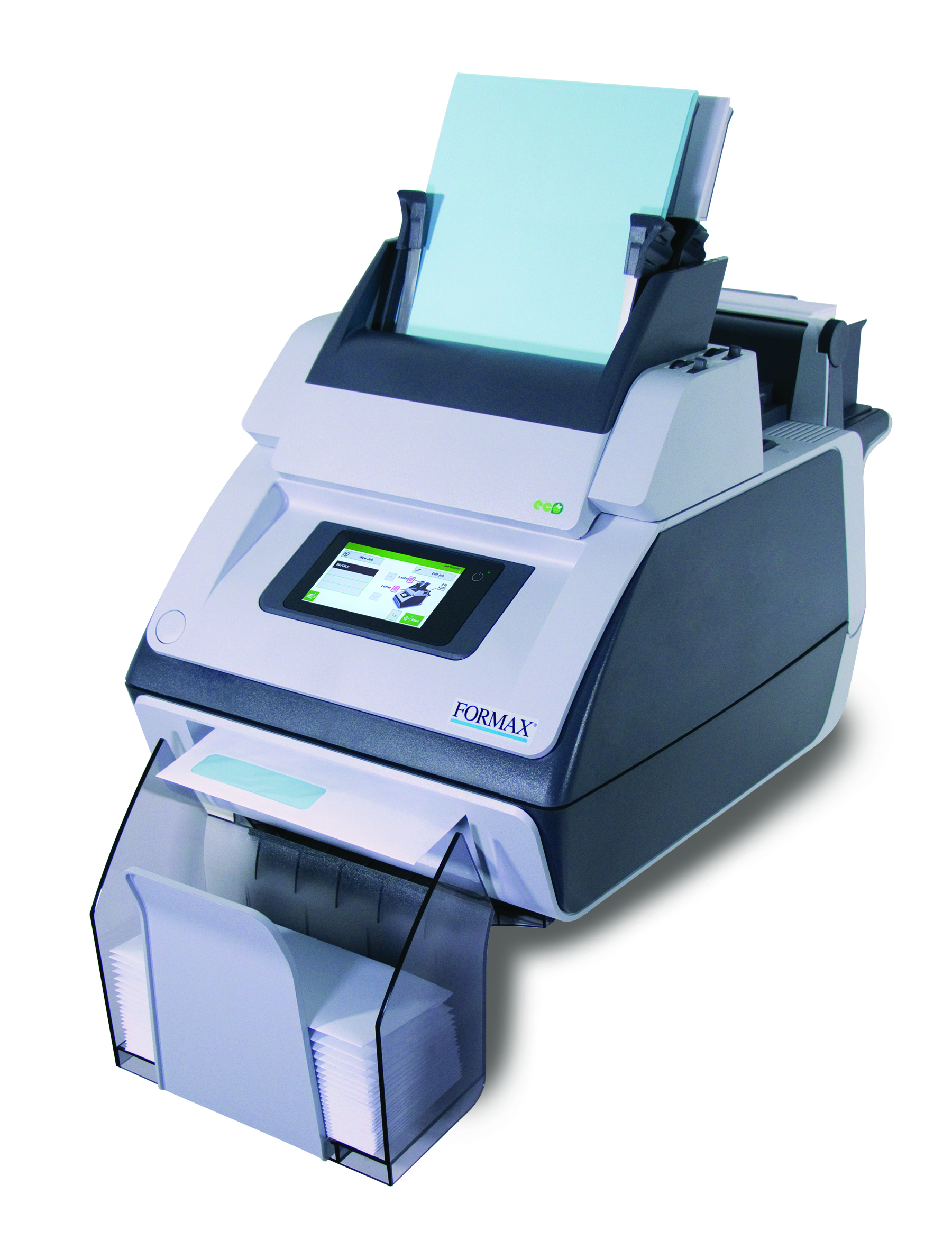
FD 6104
Entry LevelUnder 5,000/month
A good starting point when you need relief from hand folding and inserting, but your monthly volume and job complexity are still light.
View FD 6104 →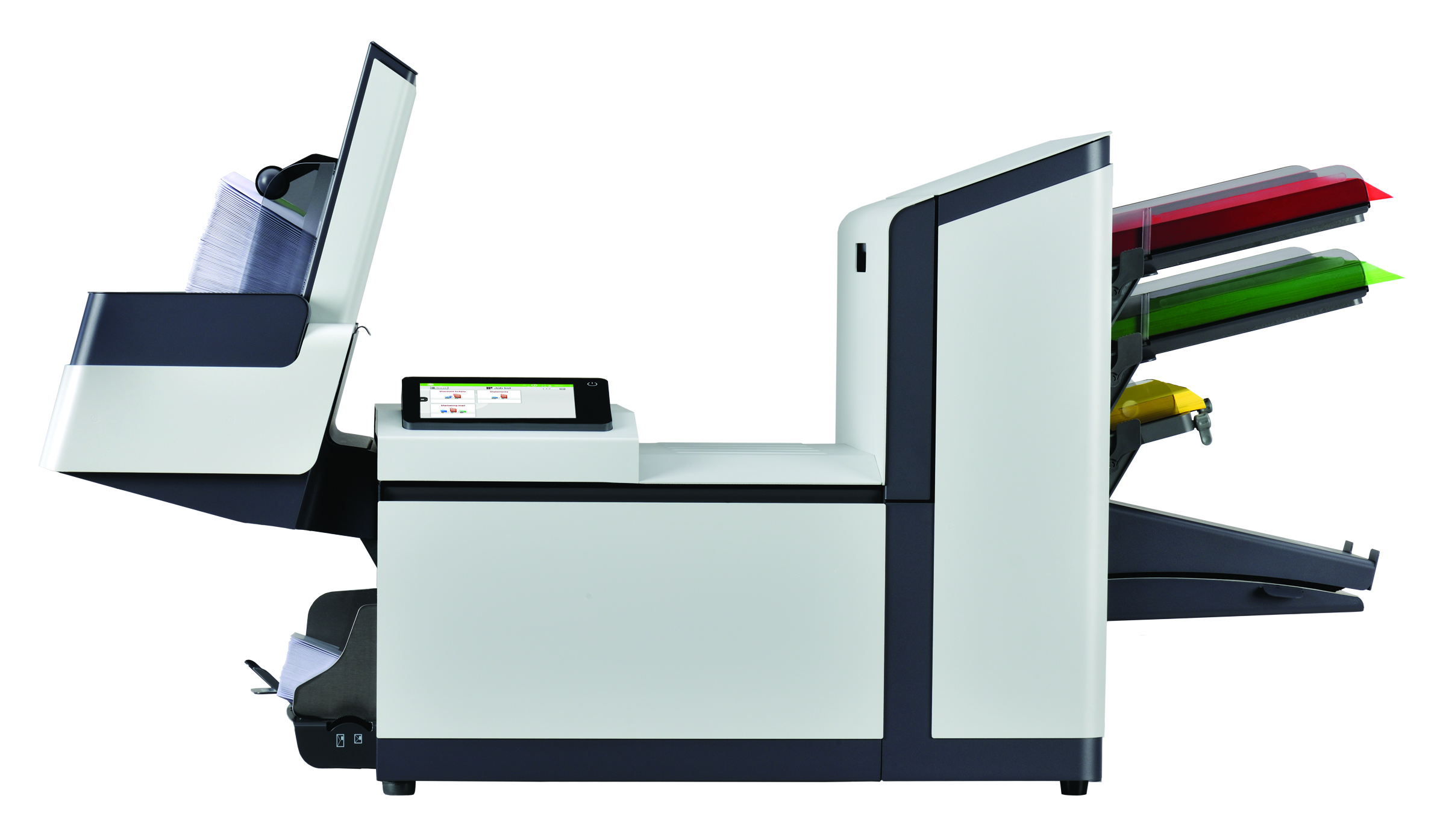
6210 Series
Step Down5,000-20,000/month
A better fit when hand inserting is too slow but your volume and job complexity are still in the small office and small mailroom range.
View 6210 Series →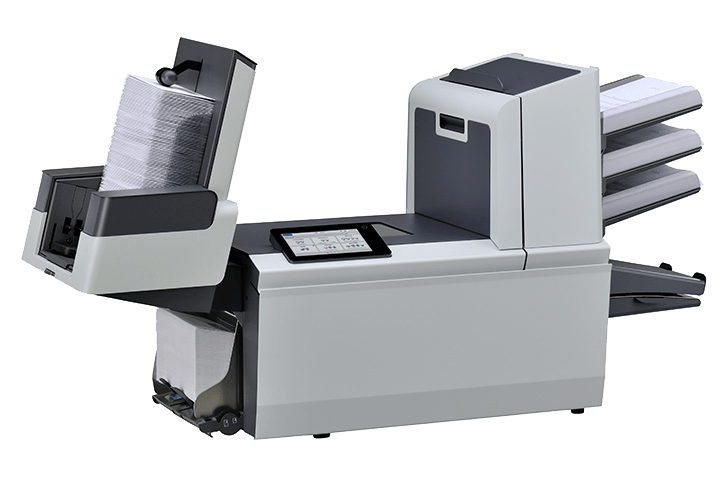
6308 Series
Step Down20,000-40,000/month
A good option when your runs are growing past small-office volume but do not yet need full mid-volume feeder and folding capacity.
View 6308 Series →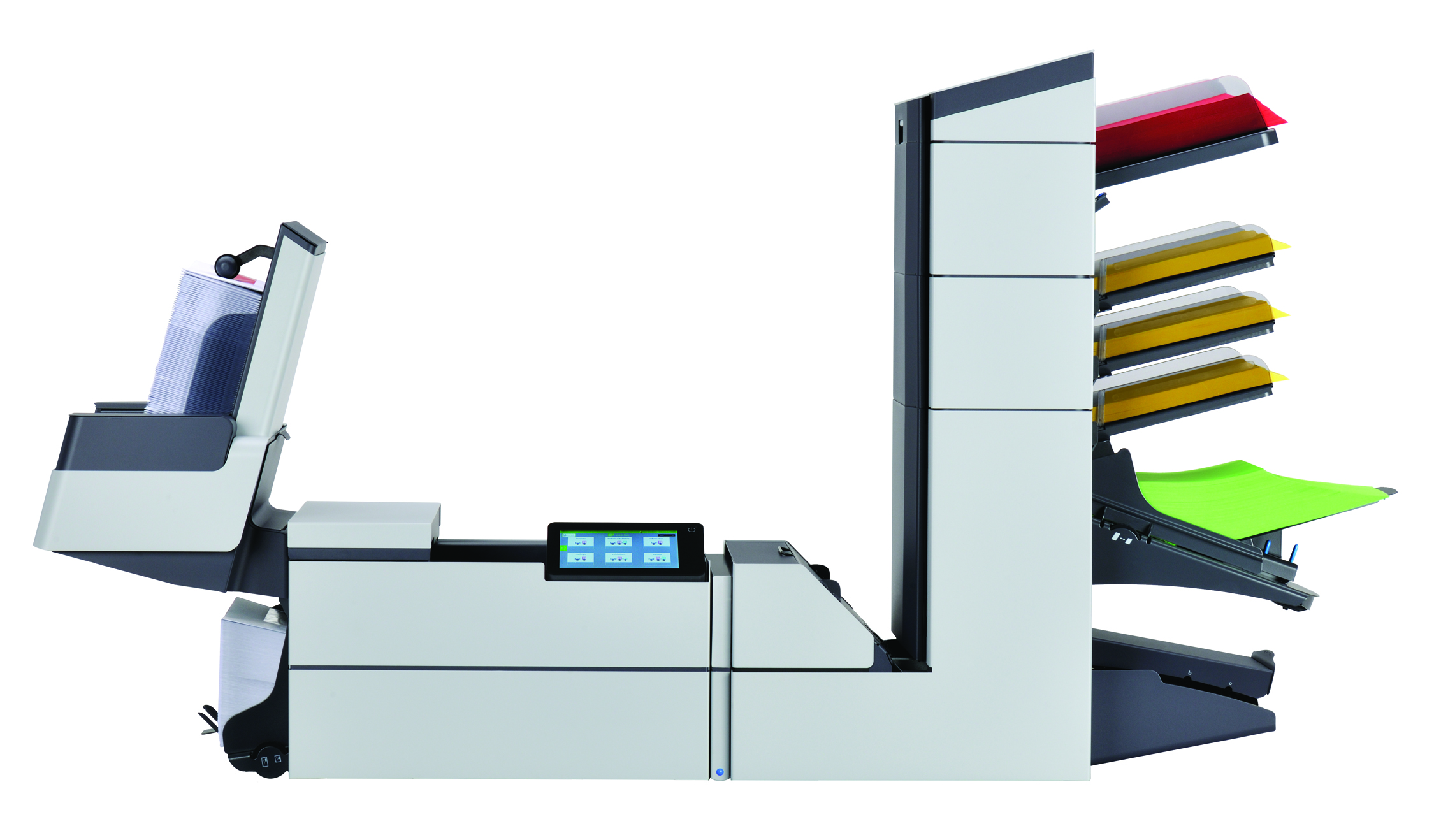
6406 Series
Step Down40,000-60,000/month
A mid-volume office and mailroom inserter, a better fit when your runs are well under 80,000 a month and you do not need a production conveyor line.
View 6406 Series →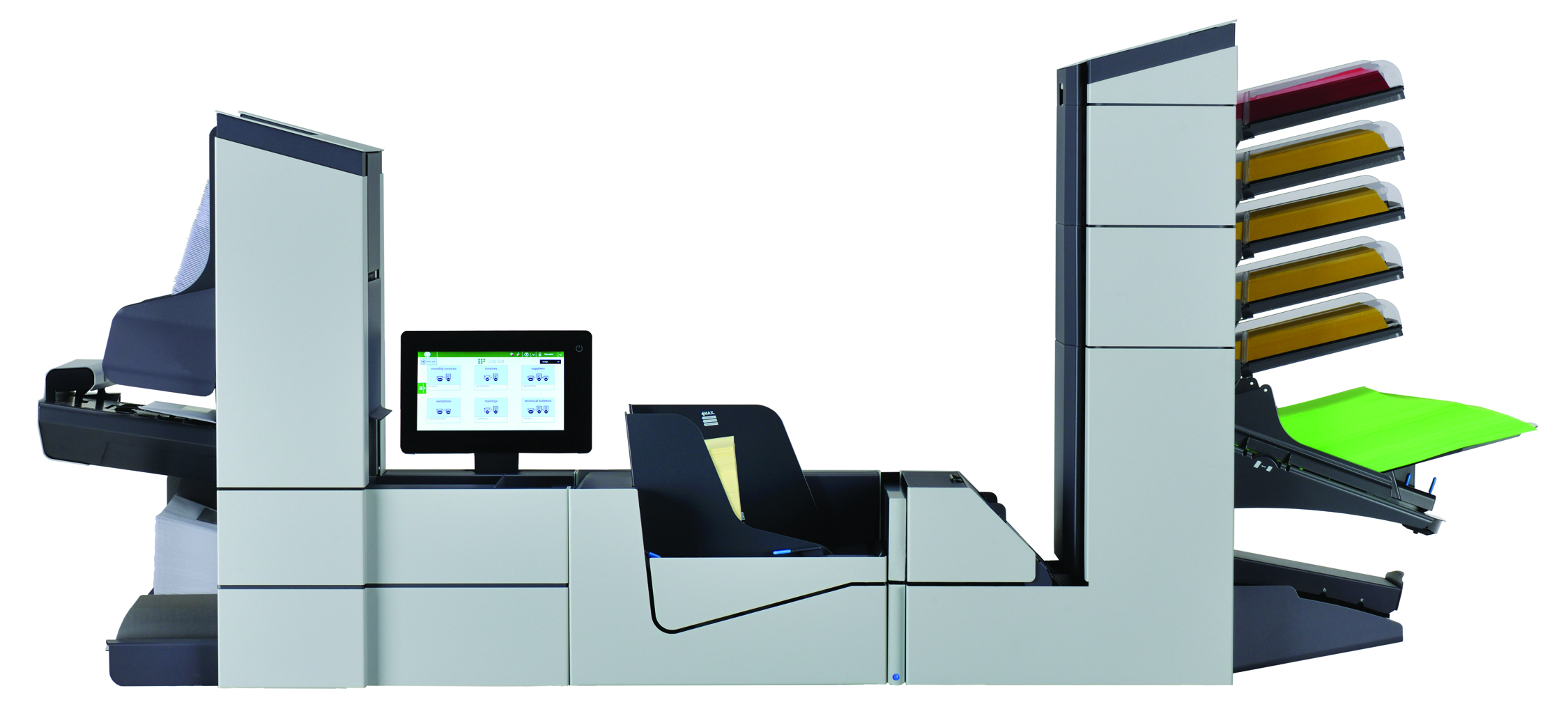
6608 Series
Step Down60,000-80,000/month
Built for teams that need higher throughput, modular feeder options, and stronger support for complex mail without jumping straight to full production.
View 6608 Series →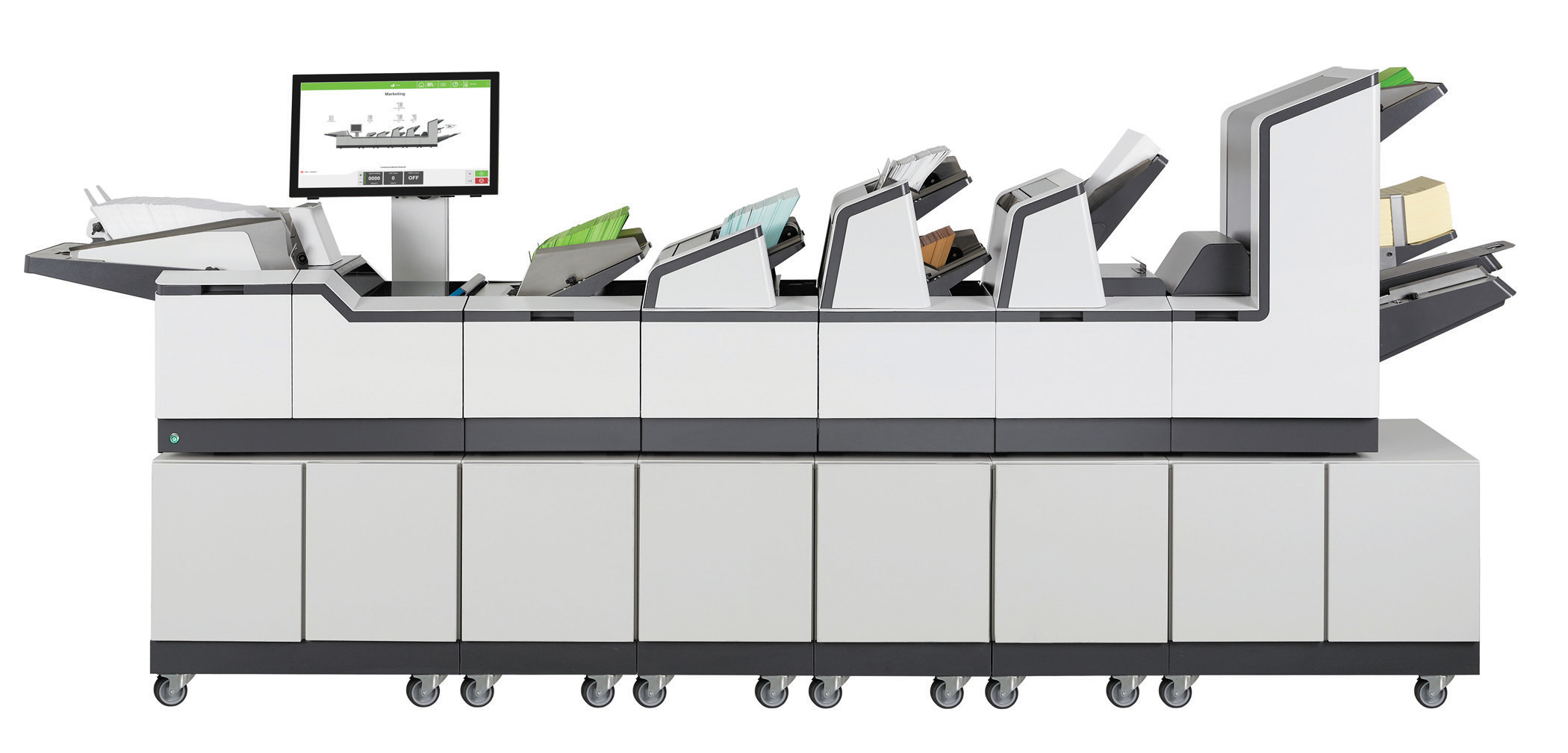
7104 Series
Step Down80,000-180,000/month
A high-volume modular inserter with up to 17 feeders, a better fit when you do not need the 7700's flats handling, thick sets, or 7,000-per-hour speed.
View 7104 Series →
7700 Series
You Are Here180,000+/month
Best when mail becomes full production work with very high volume, flats, thicker sets, advanced document control, or complex job requirements.
Ask About 7700 →Volume helps narrow the field, but your workflow decides the fit.
Simple jobs may stay smaller.
If you mail 80,000 to 180,000 pieces per month without flats or thick sets, the 7104 may be enough machine and worth comparing.
Complex jobs may need the 7700.
If the same volume includes multiple sheets, inserts, BREs, matching, or scanning, the 7700's added feeders and folding capacity help keep it automatic.
Heavier volume may need more room.
The 7700 is the top of the Formax inserter line. If it still is not enough, we can look at multiple lines or an outsourced mail solution.
Brochure & Setup Review
Review the 7700 details before choosing a configuration.
View or download the 7700 Series brochure to compare station configurations, feeder options, folding capacity, touchscreen controls, output handling, and available document intelligence before you decide what belongs in your mailroom.
Workflow Review
Before choosing the 7700, review the whole mail process.
The right setup depends on more than the machine. Prairie to Peaks looks at what you mail, how it is prepared, and what slows the job down today.
1. Mail Piece
Pages, folds, inserts, BREs, envelopes, and paper weight.
2. Volume
Daily runs, monthly volume, peak cycles, and growth.
3. Current Issues
Capacity limits, jams, poor service, slow setup, or missed feeds.
4. Best Path
7700, 7104, pressure seal, MailDoc, or data cleanup.
Other Ways to Process This Mail
The best answer may be more than just an inserter.
Before choosing equipment, it helps to review what you mail, how it is printed, how many pages go to each recipient, and whether the finished piece really needs an envelope.
Folder Inserter
Keep your mail in envelopes.
A folder inserter is usually the right path when your mail needs an envelope, multiple pages, inserts, reply envelopes, privacy, or a more professional presentation.
- • Good for invoices, statements, notices, letters, renewals, and customer packets.
- • Helps reduce hand folding, stuffing, sealing, checking, and rework.
- • Best when the envelope still matters to the customer or the process.
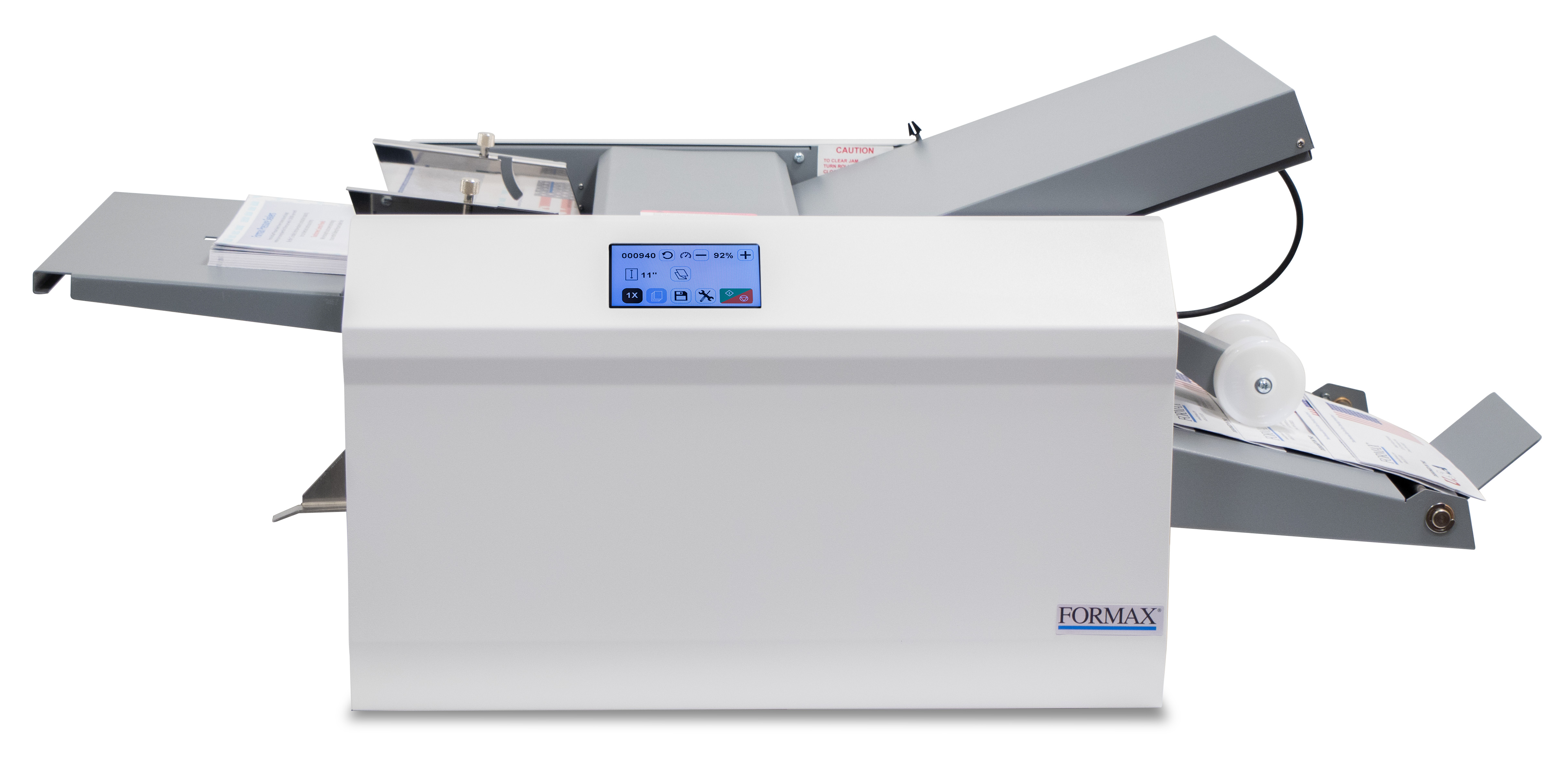
Pressure Sealer
Mail without an envelope.
Pressure seal may be a better path when the document can be printed, folded, sealed, and mailed as the finished piece without a separate envelope.
- • Good for statements, checks, tax forms, notices, invoices, and recurring forms.
- • May reduce envelopes, inserting, sealing, and repeated mailroom handling.
- • Best when the document design fits a sealed self-mailer format.
OMR
BCR
MailDoc Professional
Variable pages • Marks • Grouping
MailDoc Professional
Cut postage before the job runs.
MailDoc reads your print file and does the expensive work automatically, before a single envelope is stuffed.
- • Merges every document for the same customer into one envelope, so three invoices ship as one mailer instead of three.
- • Suppresses zero-balance statements, so you stop paying postage to tell people they owe nothing.
- • Preps the file for CASS, presort, and NCOA, turning cleaner data into real postal discounts.
Statement Workflow Review
Outsourcing statements or printing variable-page mail?
Send us your document file and we’ll walk through page counts, the mail piece, inserts, data quality, and presort opportunity before pointing you toward an inserter, pressure sealer, MailDoc, or a data fix.
Review My WorkflowReview whether the 7700 Series is the right level.
Share your volume, document types, inserts, envelope sizes, and current equipment. We’ll help you decide whether the 7700 Series, the 6308, the 6608, pressure seal, MailDoc Professional, data cleanup, or a larger inserter is the right next step, even when the honest answer is “you don’t need this one.”